This Kodak Step photo printer review looks at a compact Bluetooth printer built for turning phone photos into small, peel-and-stick prints. Its appeal centers on portable printing, app-based edits and ZINK paper rather than full-size photo output.
KODAK Step Review Summary
The quick verdict

20,000+ ratings
Read Amazon ReviewsKODAK Step
A pocketable smartphone photo printer for scrapbookers and travelers who want editable, adhesive-backed prints without ink cartridges.
- Prints on 2-by-3-inch ZINK paper with an adhesive back for peel-and-stick photos.
- Pairs with iOS or Android devices through Bluetooth or NFC.
- The KODAK app supports collages, filters, borders, stickers and text.
- Uses ZINK paper, avoiding separate ink, toner and ribbon supplies.

Pros
- Small and light enough to take along for travel or events.
- Adhesive-backed prints work naturally for scrapbooks, journals and decorating.
Consider before buying
- The 2-by-3-inch output is designed for small keepsakes, not larger photo prints.
- A full charge is geared to a limited batch, so frequent printing sessions may need charging breaks.
Read the full review summary
The KODAK Step is made for quick creative projects: pair a compatible phone, choose a photo, personalize it in the app and print it on adhesive-backed ZINK paper.
Its compact rechargeable design is a fit for travel journals, scrapbooks, party favors and decorating notebooks, where small prints that can stick in place are more useful than standard loose photos.
This model suits phone-first users who want a portable, ink-free printing setup and enjoy editing images before printing.
Consider its small output format and finite charge capacity when deciding whether it can handle a long event or a project that needs larger, conventional photo prints.
The buying factors
KODAK Step Scorecard
Editorial scores reflect listed features and buyer fit; they are not laboratory measurements or customer ratings.
Portability
The palm-sized design and sub-pound weight make it easy to carry for trips, events or journaling on the go.
Phone connectivity
Bluetooth or NFC pairing with iOS and Android devices supports a direct phone-to-print workflow.
Creative editing
The app offers collages, filters, borders, stickers and text, giving users several ways to prepare images before printing.
Print format
The 2-by-3-inch adhesive-backed format is handy for small keepsakes and decorating, though it limits print size.
Ink-free workflow
ZINK printing avoids separate ink, toner and ribbon supplies, simplifying the consumables side of the setup.
Battery capacity
The rechargeable battery is convenient away from an outlet, but its stated capacity is suited to shorter batches rather than unlimited event printing.
Key Features and Specifications of KODAK Step
- Prints on 2-by-3-inch ZINK paper with an adhesive back for peel-and-stick photos.
- Pairs with iOS or Android devices through Bluetooth or NFC.
- The KODAK app supports collages, filters, borders, stickers and text.
- Uses ZINK paper, avoiding separate ink, toner and ribbon supplies.
- Has a built-in rechargeable lithium-ion battery with capacity for 25 photos per full charge.
- The package includes a printer, micro USB charging cable, starter ZINK paper pack, quick start guide and limited warranty.
Pros and Cons of KODAK Step
Pros
- Small and light enough to take along for travel or events.
- Adhesive-backed prints work naturally for scrapbooks, journals and decorating.
- The app gives users several simple creative edits before printing.
- Ink-free ZINK printing avoids managing ink cartridges, toner or ribbons.
Consider before buying
- The 2-by-3-inch output is designed for small keepsakes, not larger photo prints.
- A full charge is geared to a limited batch, so frequent printing sessions may need charging breaks.
- For a busy outing, bring extra ZINK paper so the small starter pack does not constrain the project.
Who Should Buy KODAK Step?
Good fit
Buy the KODAK Step if you want to turn smartphone pictures into small physical keepsakes while traveling, journaling or crafting.
Bluetooth or NFC pairing and an app with collages and decorative edits make it especially suited to users who like to customize images before printing.
It is also a sensible fit when adhesive-backed prints are part of the project: peel them from the paper and place them in a notebook, scrapbook or other chosen surface.
The rechargeable, palm-sized format keeps the printer convenient for small batches away from a desk.
Who should skip it
Skip it if your priority is larger photo output; its paper format is a compact 2-by-3 inches. It is also a poor match for a single long printing session if you need more than 25 photos between charges.
KODAK Step Review: Where the Small Format Fits
A phone-first printing routine
The Step is built around the smartphone image library: pair a mobile device, make edits in the KODAK app, then print.
That arrangement works well when the phone is already the main camera and users want a compact path from digital pictures to tangible keepsakes.
Adhesive prints for projects
The paper's sticky backing makes placement part of the format, which is useful for scrapbook pages, planners and personal decorations.
Buyers who want standalone prints to frame or hand out may prefer to weigh that adhesive-first purpose against their intended use.
Plan around the charging limit
Its built-in battery enables printing away from a power source, while the capacity of 25 photos per full charge suggests planning paper and charging around the size of the outing.
It is better suited to intermittent small batches than a workflow that expects continuous high-volume output.
Durability claims and practical expectations
ZINK prints are presented as resistant to moisture, tears and smudges, with a protective coating also described as helping against water damage.
That can be useful for portable keepsakes, though it should not be treated as a guarantee that prints are waterproof under every condition.
Alternatives to KODAK Step
Portable Photo Printers alternative
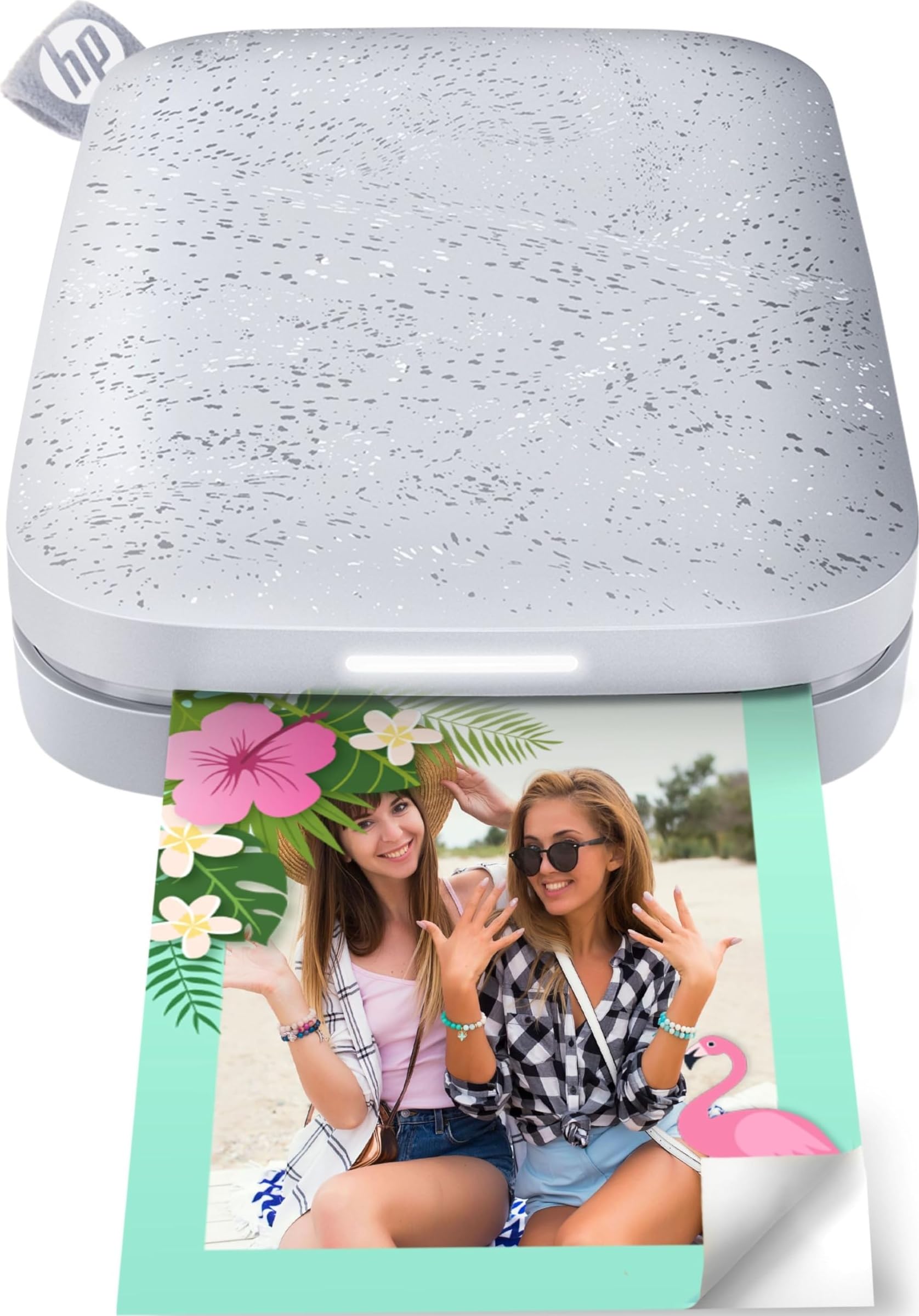
25,000+ ratings
Read Amazon ReviewsHP Sprocket 2nd Edition
Choose HP Sprocket 2nd Edition for group printing from multiple devices; choose KODAK Step if its collage and decorative editing tools better suit a personal craft workflow. Both are phone-oriented portable photo printers with sticky-backed output.
- HP Sprocket 2nd Edition can connect multiple devices so friends can print at the same time, and its app supports customized shared photo albums.
- KODAK Step prints small sticky-backed photos and provides an editing app with collages, filters, borders, stickers and text.
Laminated-print alternative

12,000+ ratings
Read Amazon ReviewsKODAK Mini 2 Retro
Choose KODAK Mini 2 Retro if laminated dye-sublimation prints and resistance to fingerprints, water and fading are priorities; choose KODAK Step for adhesive-backed ZINK prints that avoid ink, toner and ribbon supplies.
The intended print finish and paper format are the main decision points.
- KODAK Mini 2 Retro uses 4PASS dye-sublimation printing, with each photo formed in three color layers and finished with a clear protective lamination layer.
- Its prints are designed to resist fingerprints, water and fading.
- KODAK Step uses adhesive-backed ZINK paper for compact peel-and-stick photos, without separate ink, toner or ribbon supplies.
Is KODAK Step Worth It?
The KODAK Step is worth considering for phone photographers, scrapbookers and travelers who want small, customizable adhesive-backed prints in a portable package.
Its editing app, rechargeable design and ink-free ZINK process align with casual creative printing without adding cartridge management.
Choose it with realistic expectations: the output is small, and the rechargeable battery is specified for 25 photos per full charge.
If those constraints fit your plans, the KODAK Step offers a straightforward way to bring edited phone pictures into physical creative projects.
Your review at a glance
20,000+ ratings
Read Amazon ReviewsKODAK Step
A pocketable smartphone photo printer for scrapbookers and travelers who want editable, adhesive-backed prints without ink cartridges.
- Prints on 2-by-3-inch ZINK paper with an adhesive back for peel-and-stick photos.
- Pairs with iOS or Android devices through Bluetooth or NFC.
- The KODAK app supports collages, filters, borders, stickers and text.
- Uses ZINK paper, avoiding separate ink, toner and ribbon supplies.